Guides · Sep 17, 2026 · Editorial team
WebP vs JPG: Which Image Format Is Best for Your Website?
Compare WebP vs. JPG on file size, image quality, transparency, and browser support. Learn which format speeds up your website and when to convert.
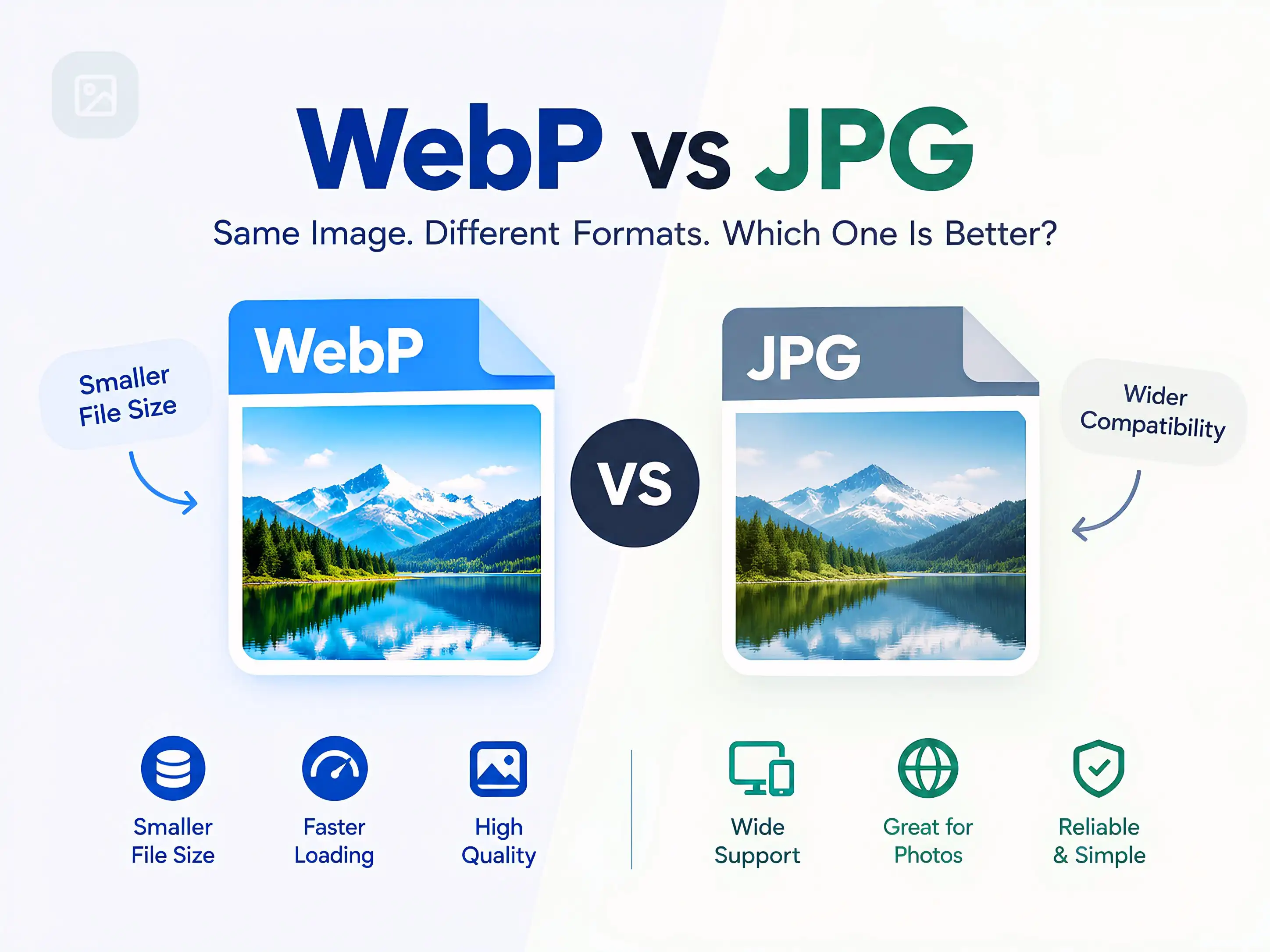
File types have an immense effect on the overall performance of a website, its storage requirements, and the user experience. Deciding whether to use WebP or JPG directly influences webpage loading speeds and image quality across devices. Although JPG was the standard digital image format for decades, WebP has emerged as a modern alternative specifically engineered for web optimization.
Understanding the key differences between WebP and JPG allows website owners to reduce page weight without sacrificing clarity. This guide breaks down file size efficiency, image quality, transparency, browser compatibility, and SEO performance for both formats.
Understanding the Formats
What Is JPG?
JPG (JPEG, an acronym for Joint Photographic Experts Group) is a standard digital image format introduced in 1992. It relies on lossy compression, which reduces file sizes by discarding subtle color data that the human eye typically cannot detect.
JPG is the default output format for digital cameras, smartphones, and graphic software. Its primary strength lies in universal compatibility across operating systems, browsers, and media software. However, JPG does not support transparent backgrounds or animations.
What Is WebP?
WebP (Web Picture format) was developed by Google in 2010 to accelerate page loading by reducing file sizes while retaining visual fidelity.
Unlike JPG, WebP supports both lossy and lossless compression, alpha transparency, and animated frames. In essence, WebP combines the primary strengths of JPG, PNG, and GIF into a single format.
WebP vs JPG: Key Feature Comparison
| Feature | WebP | JPG (JPEG) |
|---|---|---|
| Primary Design Purpose | Web performance and speed | General photography and digital media |
| Compression Types | Lossy and Lossless | Lossy only |
| Average File Size | 25% to 34% smaller than JPG | Standard baseline size |
| Transparency Support | Yes (alpha channel) | No |
| Browser Support | All modern browsers (~96%+) | Universal (100%) |
| Animation Support | Yes | No |
In-Depth Comparison
File Size and Compression Efficiency
The primary advantage of WebP over JPG is compression efficiency. WebP utilizes predictive coding algorithms to compress imagery. By predicting pixel values from adjacent blocks, WebP saves only the difference (residual) values rather than raw image data.
This allows WebP to produce files that are approximately 25% to 34% smaller than equivalent JPG files at comparable visual quality ratings, resulting in reduced bandwidth consumption and faster page delivery.
Visual Quality: Is WebP Better Quality Than JPEG?
Neither format inherently wins on pure visual fidelity alone; quality depends primarily on the chosen compression ratio. However, at identical file sizes, WebP retains visibly higher detail with fewer compression artifacts and less blur.
High compression in JPG frequently results in distinct blocking artifacts and color fringing along high-contrast borders. WebP handles high compression significantly better. Nevertheless, uncompressed JPG and dedicated photographic formats (such as RAW or TIFF) remain preferred for archival master files and offline print workflows.
Transparency Support
Transparency represents a fundamental architectural difference between the two formats. JPG lacks an alpha channel; saving a transparent graphic (such as an isolated logo) as a JPG will automatically fill transparent areas with a solid white or black background.
WebP supports full 8-bit alpha-channel transparency, offering a viable alternative to PNG with significantly smaller file footprints.
Browser Support and Compatibility
WebP compatibility is extensive across modern environments, supported by over 96% of global web traffic, including Chrome, Safari, Firefox, Edge, and Opera.
However, specific compatibility considerations remain:
- Web Browsers: While all current browsers natively render WebP, legacy browsers (such as Internet
Explorer) require fallback mechanisms (e.g., using the
<picture>element). - Offline Applications: Certain legacy desktop viewers and image management tools cannot open WebP files natively.
- Photo Editing Workflows: Older photo editors may require third-party plugins or updates to import and export WebP files.
SEO Impact and Core Web Vitals
Asset selection directly impacts technical Search Engine Optimization (SEO). Page rendering speed and Core Web Vitals (such as Largest Contentful Paint) serve as verified Google ranking signals. Because WebP lowers payload sizes, pages render faster, reducing bounce rates and improving user retention.
Search engine crawlers index WebP images identically to JPG files. Converting assets to WebP satisfies performance thresholds evaluated by Google PageSpeed Insights, giving sites a measurable technical edge.
Disadvantages of Using WebP
Despite its performance advantages on the web, WebP has specific limitations:
- Legacy Tooling Compatibility: Older desktop applications, content management plugins, and legacy asset managers may fail to preview or process WebP files.
- Server Encoding Overhead: Batch-converting extensive media libraries into WebP format requires server CPU resources during processing.
- Print & Editorial Restrictions: High-end commercial print publications and asset exchanges frequently mandate standardized formats such as JPG, TIFF, or PSD.
When to Use Each Format
When to Use WebP:
- E-commerce product catalogs and high-impact hero banners.
- Blog illustrations, infographics, and inline website media.
- UI graphics and logos requiring transparency.
- Technical SEO initiatives focused on Core Web Vitals and load performance.
When to Use JPG:
- Master photographic archives and camera output storage.
- Print media, marketing collateral, and prepress assets.
- Legacy software pipelines and environments requiring 100% universal compatibility.
- Email marketing campaigns subject to strict or outdated email client rendering engines.
How to Convert Between WebP and JPG
Converting between formats helps reconcile web performance requirements with editing workflows. Converting downloaded WebP assets to JPG restores compatibility with older applications, while batch-converting existing JPG catalogs to WebP provides immediate page-load improvements.
Format conversions can be executed via online converters, desktop image editors with WebP support, command-line
utilities (such as Google's cwebp / dwebp), or automated build and CMS pipelines.
Frequently Asked Questions
Is WebP better than JPG for websites?
Yes. WebP produces file sizes roughly 25% to 34% smaller than JPG at equivalent visual quality, improving page speed, user experience, and SEO metrics.
Why choose WebP over JPG?
Choosing WebP reduces page load latency, conserves server bandwidth, enables alpha transparency in photographic images, and assists in meeting Core Web Vitals targets.
Do all modern web browsers support WebP?
Yes, all major modern browsers (Chrome, Safari, Firefox, Edge, Opera) support WebP natively, covering over 96% of global web users. Fallback markup is recommended only for legacy clients like Internet Explorer.
Does converting JPG to WebP reduce image quality?
When using appropriate quality settings (typically 80–85%), WebP compression is visually indistinguishable from the source JPG while substantially reducing file weight.
How can I convert a WebP image back to JPG?
You can convert WebP files to JPG using web-based converters, graphic design programs, browser extensions, or command-line image processors.
Conclusion
Choosing between WebP and JPG depends on deployment context. For modern website delivery, WebP is the superior format due to its lightweight file sizes, transparent channel support, and positive impact on loading performance and SEO rankings. Meanwhile, JPG remains an indispensable standard for offline workflows, print reproduction, and legacy software support.